
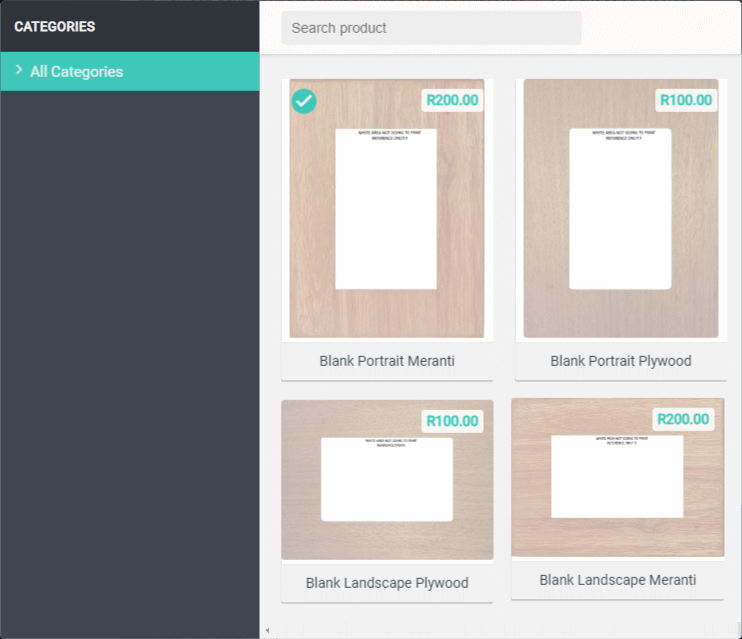
Choose a Blank Frame.
Choose a frame type and the orientation.
Main Design Screen.
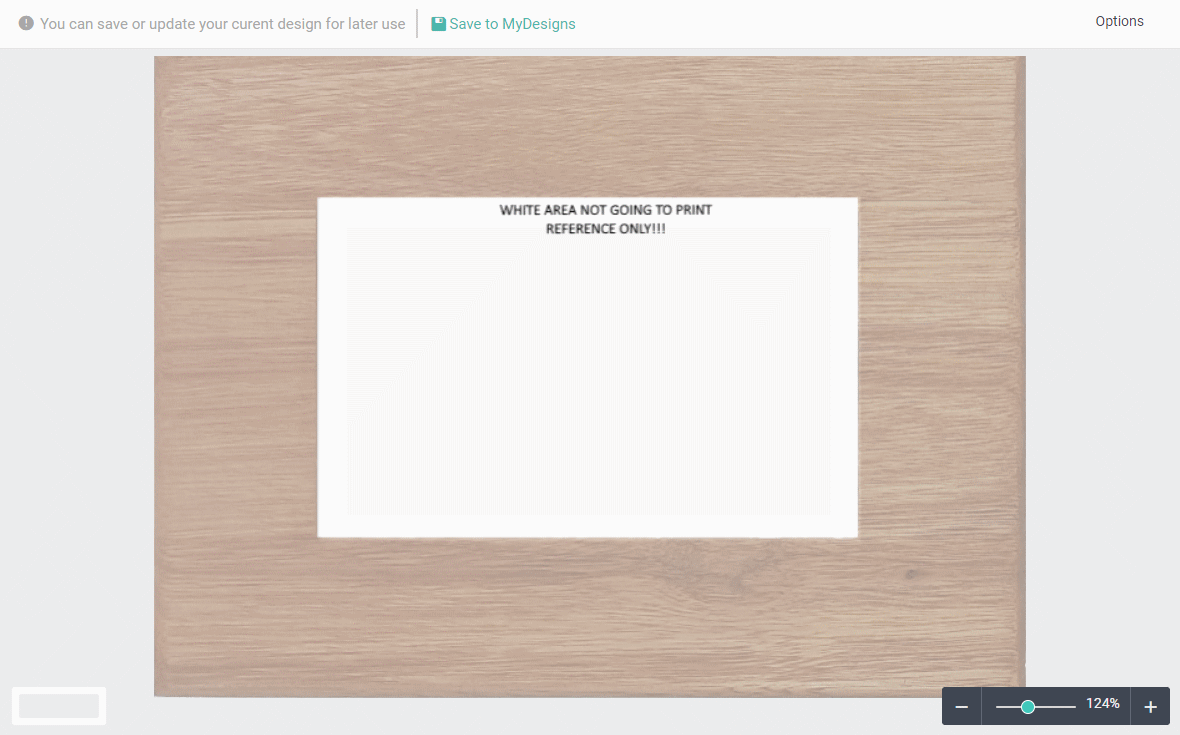
You can Save or Update your design to My Designs if you want to continue working on it at a later stage.
Zoom In or Out with slider. (When Zoomed In use mouse wheel to scroll up/down)
The White center will display a faded part when adding text or cliparts. This is only for reference and will not be visible on the final product.
Options – Auto Snap Mode – Automatically align position of object with other objects.
Top Menu.

This is a simple headline
Lorem ipsum dolor sit amet, consectetuer adipiscing elit, sed diam nonummy nibh euismod tincidunt ut laoreet dolore magna aliquam erat volutpat.
Left Menu.
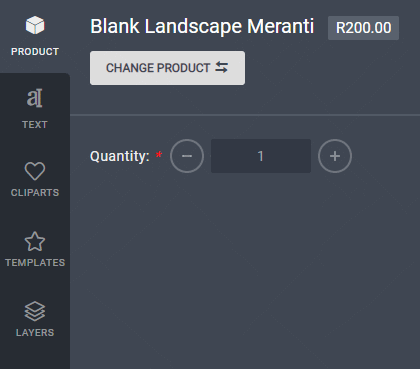
Product Menu.
It shows your current selected frame with the price.
You can change your selection.
Also change the quantity.

Text Menu.
Click on or drag a font to add it to your design.
You can choose more fonts from Google Fonts.
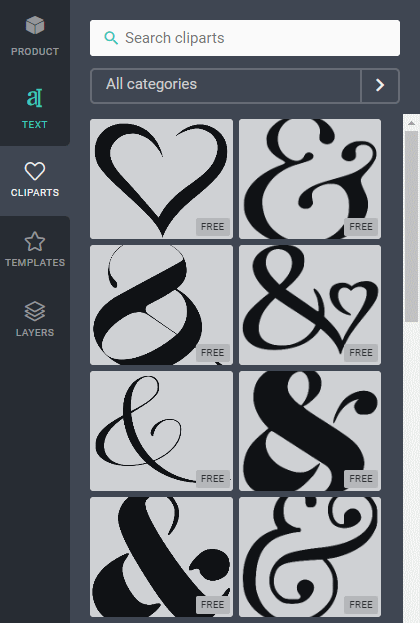
Cliparts Menu.
Click on or drag a Clip Art to add it to your design.
Filtr by selecting a category.